
How to Generate SEO Posts Automatically
You can generate SEO posts automatically from four kinds of input: a list of titles, an RSS feed, a news topic or a YouTube video. Each one becomes a full article that can post itself to WordPress. Here is how to set up each source in Autoblogging.ai, and when to use which.
Which source to use
| Source | Best for | How it runs | Cost |
|---|---|---|---|
| A list of titles | Planned, evergreen SEO posts | Bulk batch, scheduled | 1 credit per standard article + extras |
| An RSS feed | Turning new feed entries into articles | Checks the feed on an interval | 1 credit per article + extras |
| A news topic | Timely posts on a niche | Campaign with a gap between articles | Shown on the form |
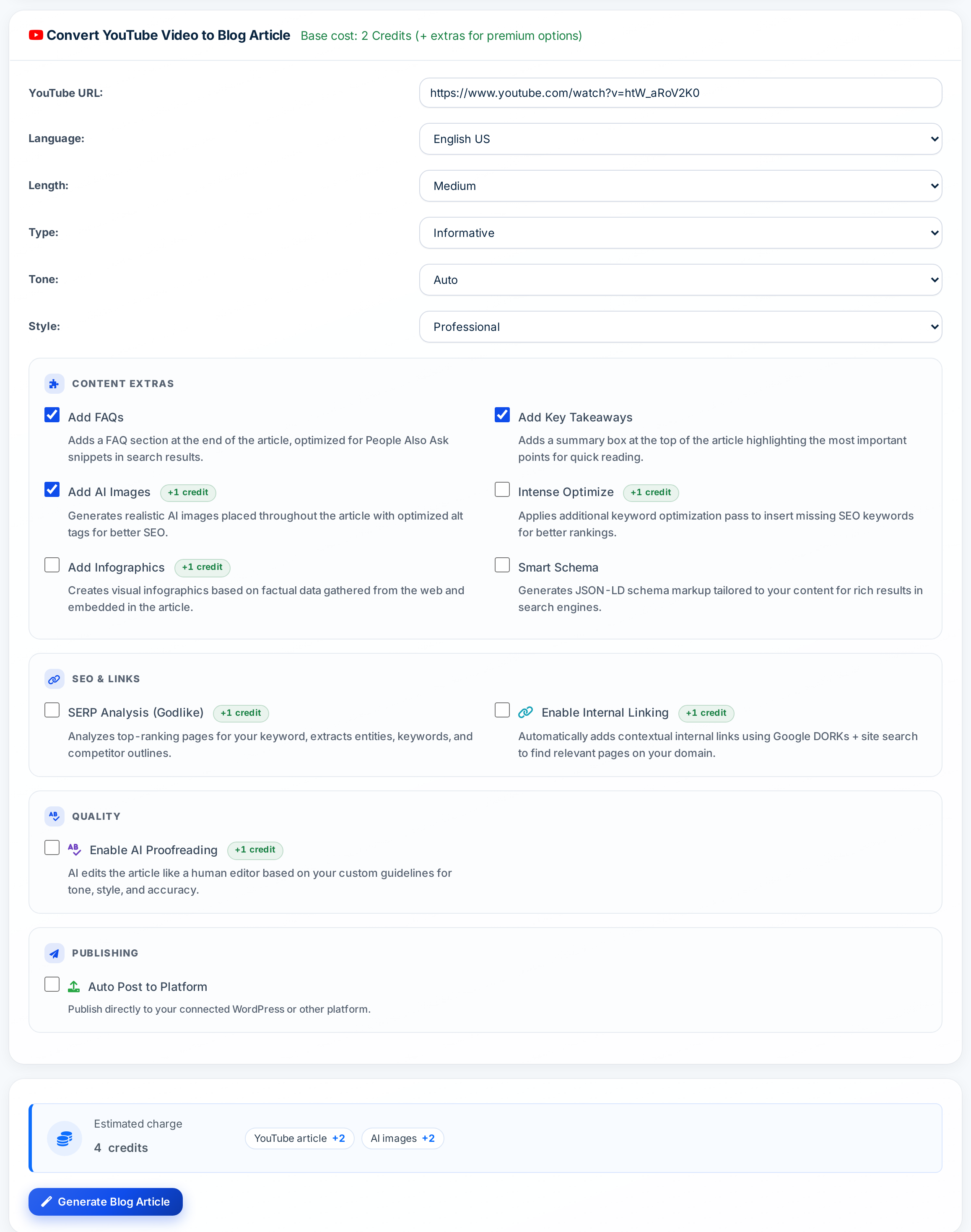
| A YouTube video | Turning videos into blog posts | One video per article | 2 credits base + extras |
Source 1: titles in bulk
Paste up to 500 titles, choose settings once, turn on internal linking and a time gap, and auto-post to WordPress. Best for planned content from a topical map or keyword list.
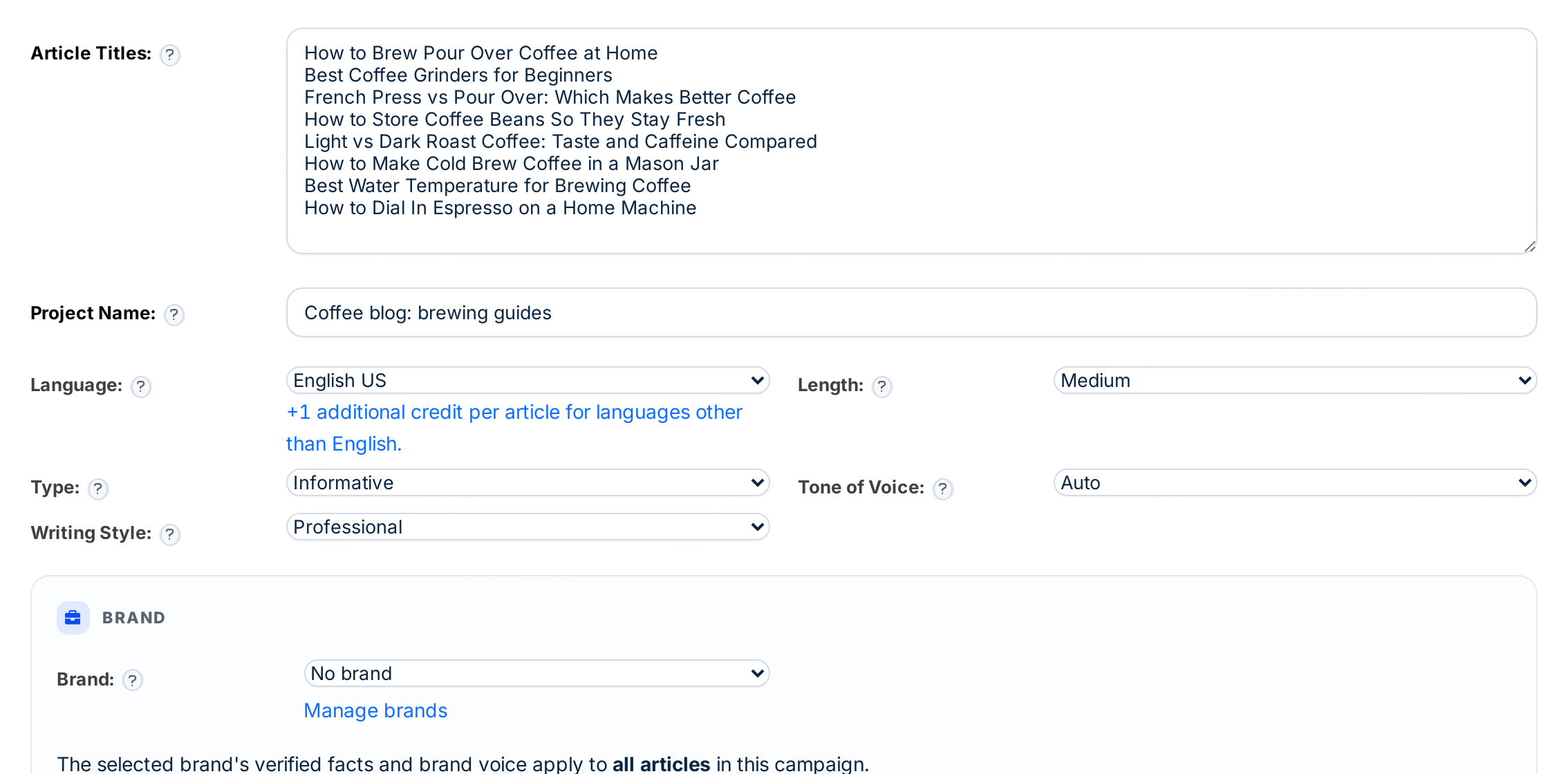
Full guide: how to automate blog content.
Source 2: an RSS feed
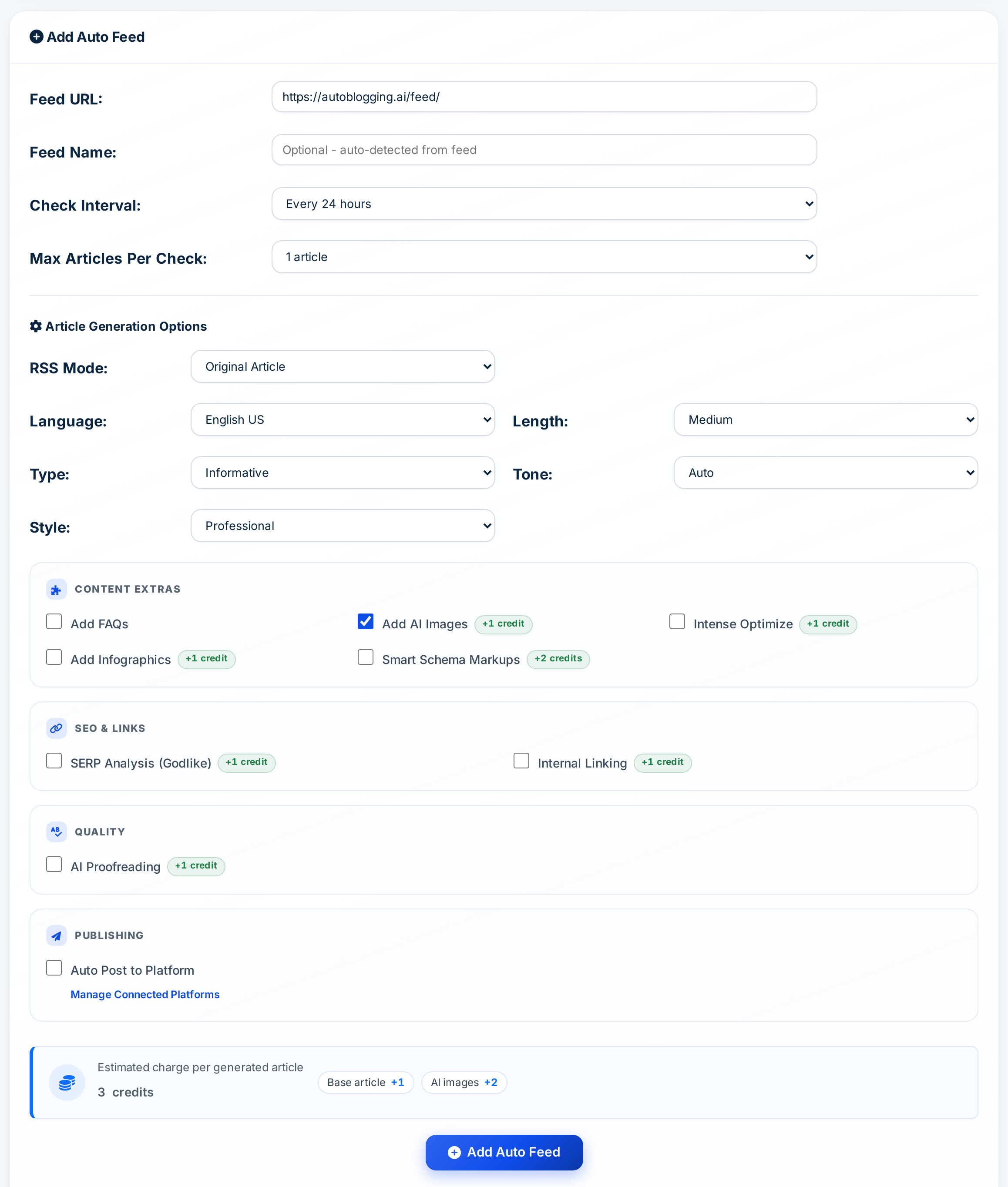
Add a feed URL, choose how often to check it and how many articles to write per check, then pick the writing options. New entries become articles automatically and can post to your site.
Source 3: a news topic
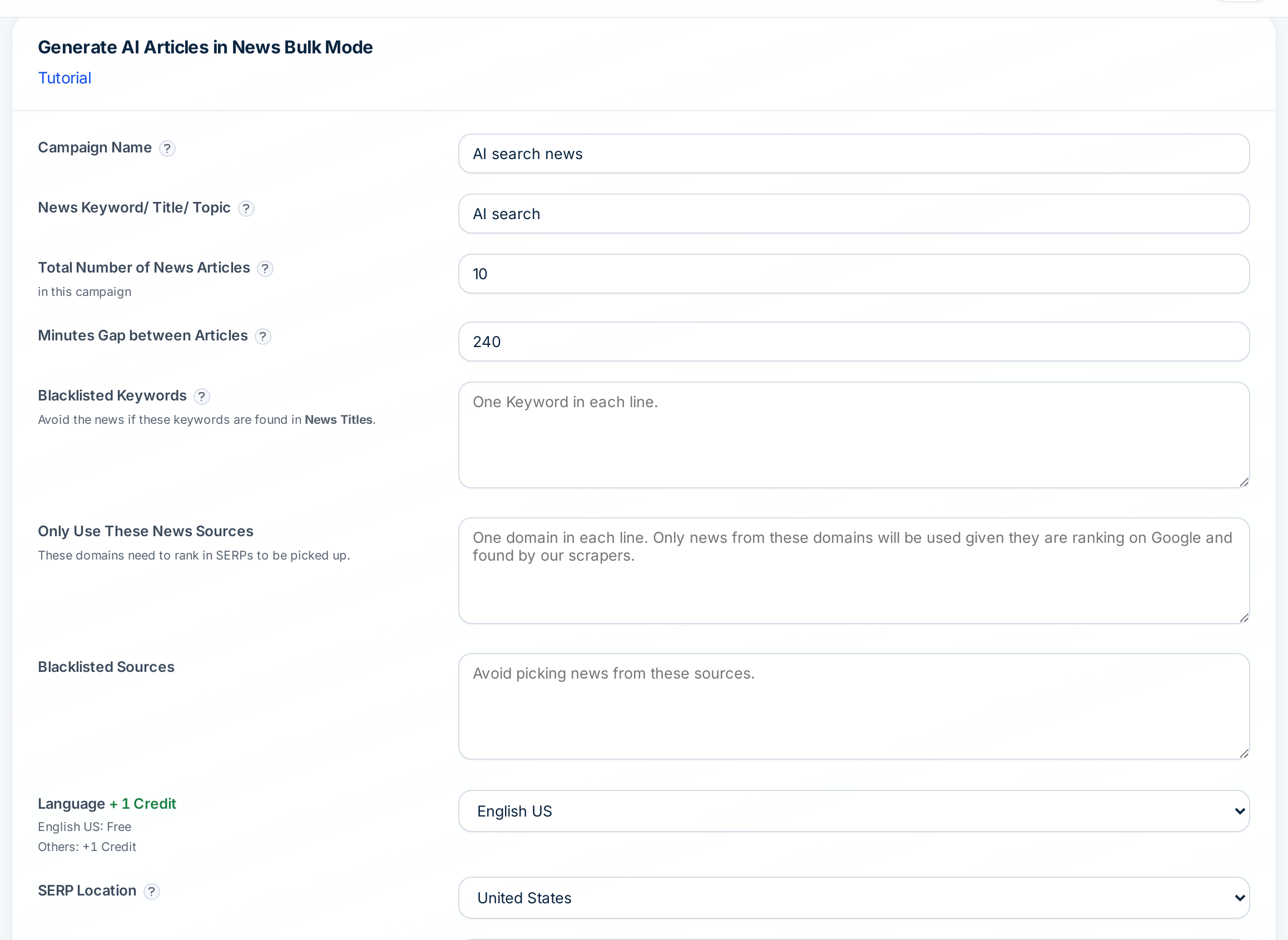
Set a topic, the total number of articles and the minutes between them. You can limit news to sources you trust, block keywords and sources, and choose how recent the news must be.
Source 4: a YouTube video
Paste a YouTube URL and the video becomes a written article with FAQs, takeaways and images, using the same length and style options.
Choosing a publishing cadence
Automatic does not mean all at once. Space posts out so search engines see a steady, growing site rather than a sudden burst:
- Titles in bulk: set a time gap (hours or days) between posts.
- RSS feeds: choose the check interval and the maximum articles per check.
- News: set the minutes between articles and the total for the campaign.
Video: Auto Blogging With AI: How Autoblogging.ai Researches and Writes Each Post (Full Demo)
Make automatic posts SEO-ready
- Turn on SERP analysis for competitive keywords.
- Use internal linking so new posts are not orphan pages.
- Add FAQs and key takeaways for skimmers and search features.
- Start with drafts, then switch to auto-publish once you trust the settings.
Video: How to Write a Blog Post With AI That Actually Ranks (Every Setting Explained)
Frequently asked questions
Can AI generate SEO posts automatically?
Yes. From a title list, RSS feed, news topic or YouTube video, Autoblogging.ai writes the article and can post it to WordPress on a schedule.
Will automatically generated posts rank?
They can, if they answer the search well. Research the SERP, link posts together and review a sample.
How much does it cost?
A standard article is 1 credit (about $0.13 to $0.48 depending on plan); a YouTube-to-blog article starts at 2 credits. The free plan includes 10 credits a month.