
Autoblogging Plugin for WordPress (2026)
An autoblogging plugin for WordPress connects your site to a service that writes posts and publishes them automatically. Autoblogging.ai’s free Integration Method plugin connects your site securely, receives finished articles with their images, schema and SEO fields, and lets you publish in bulk on a schedule. Here is how it works and how it compares with other WordPress options.
How this list was made. Autoblogging.ai is our product, so read our entry with that in mind. Every other price on this page was taken from the vendor’s own pricing page on 4 October 2026. Per-article figures are the plan price divided by the articles the plan includes, unless the vendor states its own number. Prices change, so check the vendor’s page before you buy.
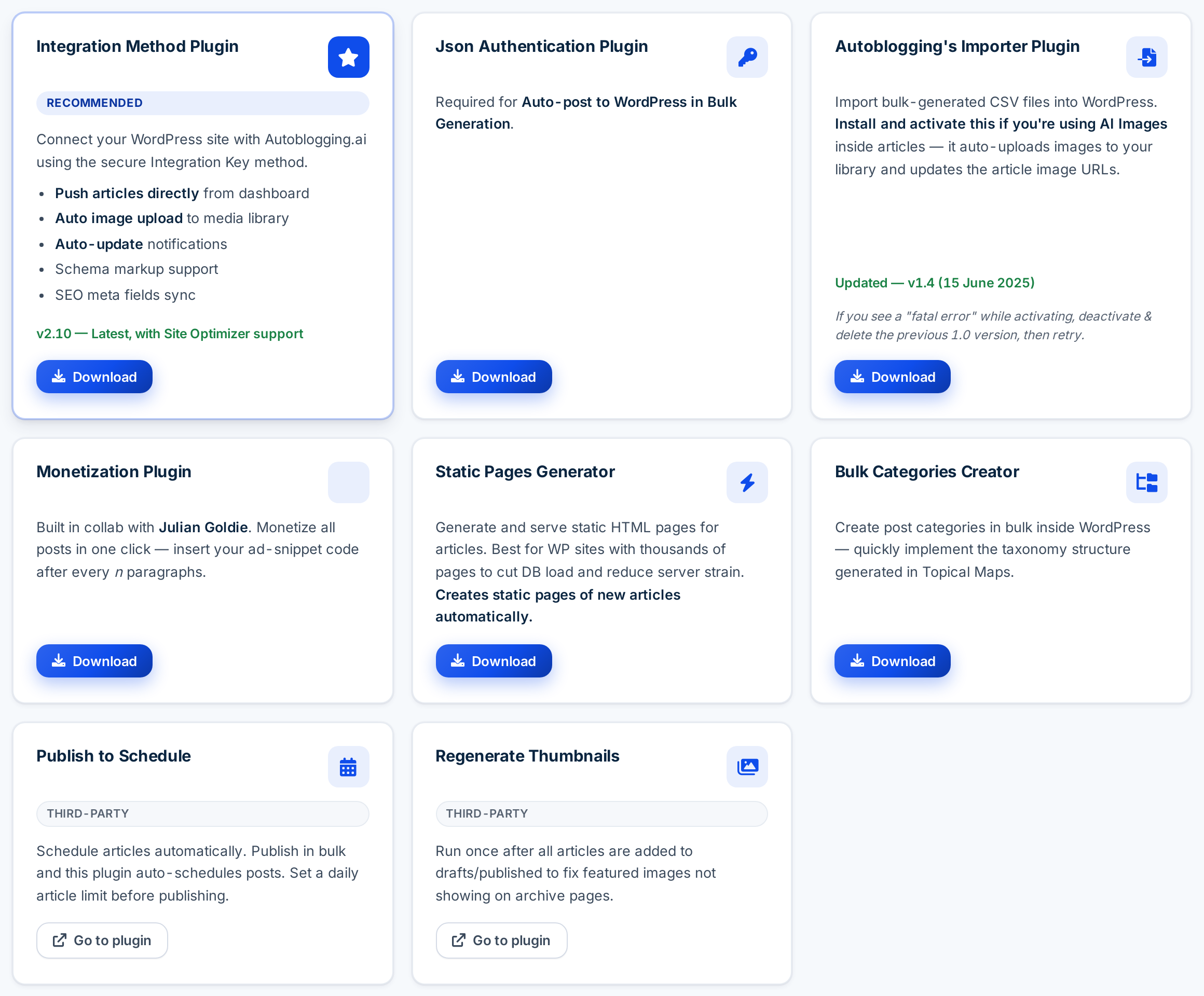
What the Autoblogging.ai plugin does
- Push articles directly from the dashboard to your site.
- Auto image upload to your media library.
- Schema markup and SEO meta fields sync.
- Auto-update notifications, and Site Optimizer support.
Helpful companions: Bulk Categories Creator (create categories from a topical map), Static Pages Generator (static HTML for sites with thousands of pages) and a Monetization plugin that inserts your ad code every few paragraphs.
Set it up in four steps
- Download and install the Integration Method plugin in WordPress.
- Connect the site in Autoblogging.ai under Integrations.
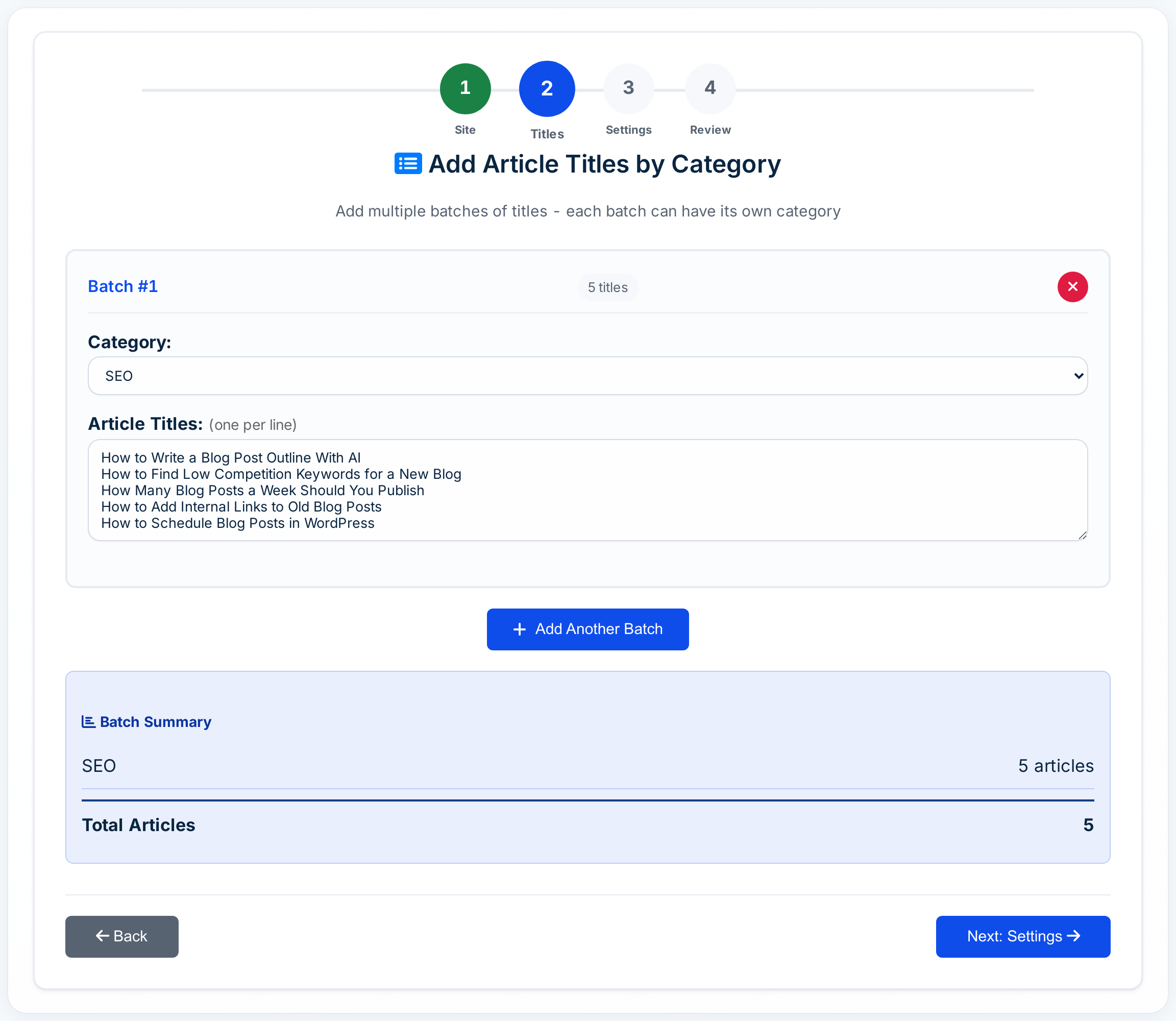
- Queue titles in WordPress Bulk Mode, by category.
- Choose draft or publish and a time gap, then start.
WordPress autoblogging options compared
| Option | How it works | Bulk and scheduling | Price from |
|---|---|---|---|
| Autoblogging.ai + free plugin | Cloud writer, plugin receives posts | Up to 500 per batch, time gap | Free; $19/mo |
| AutoWP | WordPress plugin with hosted service | Hourly, daily or weekly from RSS, news, other sites | Free; £14.99/mo |
| RepublishAI | Cloud with a WordPress connector plugin | Autopilot 30+ a month | $49/mo |
| Emplibot | Cloud with a WordPress plugin | 2 to 7 posts a week | $69/mo |
| WordRocket AI | Cloud, publishes to WordPress and Ghost | Bulk generation | $10/mo + your AI costs |
| AI Engine | WordPress plugin for AI features | Not listed | Free; Pro $79/yr |
1. Autoblogging.ai
Best for: autoblogging that plans, researches, links and publishes, at a low cost per article.
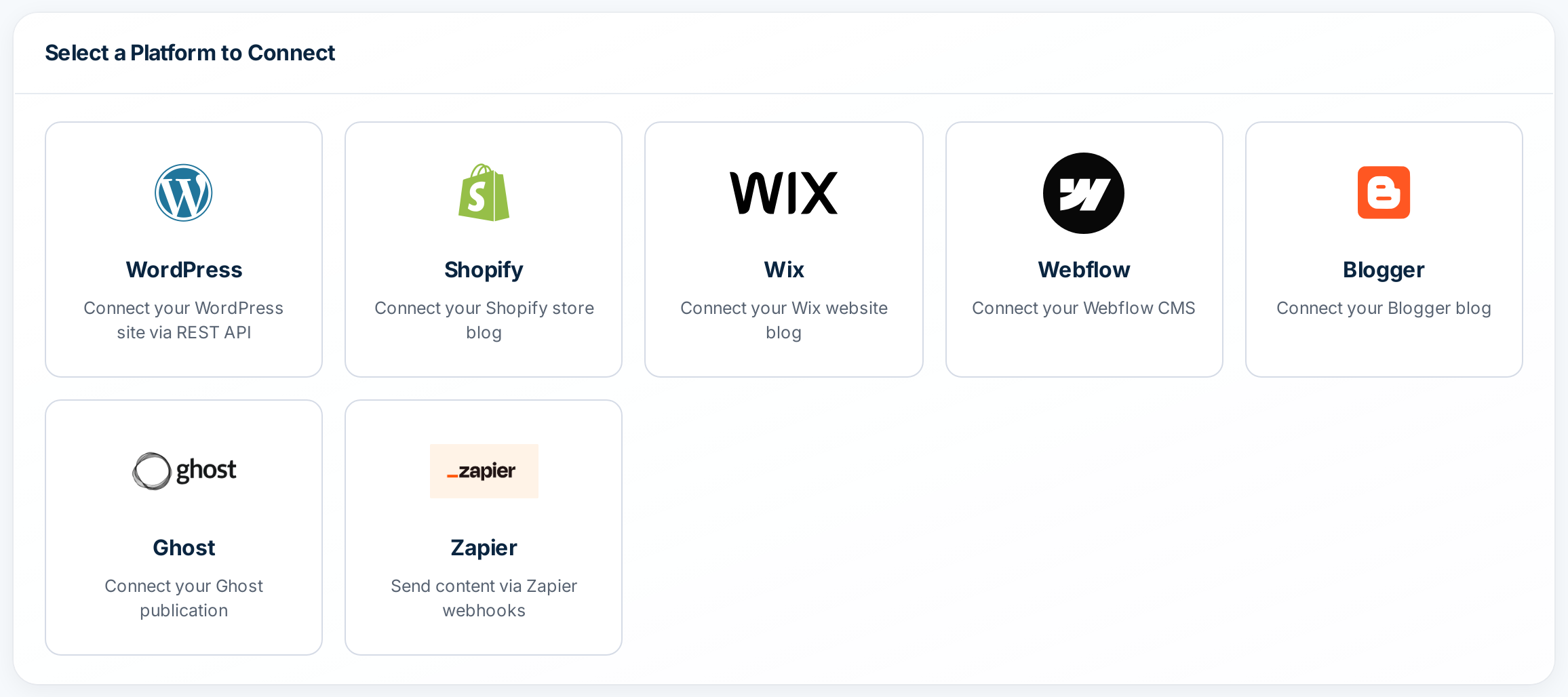
Plan with topical maps and competitor research, write one article or up to 500 per batch with SERP analysis, add FAQs, takeaways, four AI images, internal links and schema, and publish to WordPress, Shopify, Wix, Webflow, Blogger and Ghost on a schedule. Automatic sources include RSS feeds, news topics and YouTube videos.
- Pricing: Free plan with 10 credits a month (no card). Paid plans: Starter $19 (40 credits), Regular $49 (120), Standard $99 (300), Gold $179 (600), Premium $249 (1,000), Enterprise $999 (5,000). Annual billing saves 35%, which takes Enterprise to $649 a month. Unused credits roll over while you are subscribed.
- Cost per article: A standard article costs 1 credit. In the bulk writer, adding SERP analysis costs 1 more credit, and AI images 1 more. So an article is about $0.48 on Starter and $0.13 on Enterprise billed yearly, or $0.95 and $0.26 with SERP analysis.
2. AutoWP
Best for: Feed-driven autoblogging inside WordPress.
A WordPress plugin with a hosted service. Free plan: 2 posts and 2 images a month; paid plans at £14.99 (1 site), £34.99 (5 sites) and £99.99 (unlimited sites) a month with unlimited posts. Sources include RSS, Google News and other WordPress sites; schedules hourly, daily or weekly.
Watch out for: Prices are shown in pounds; paid plans mention using your own API keys.
3. RepublishAI
Best for: Long, research-based articles auto-published to WordPress.
Starter is $49 a month for 14 articles with manual publishing on up to 3 sites; Autopilot is $99 a month (shown as a limited-time offer, down from $199) for 30+ auto-published articles on up to 5 sites. It says it writes 3,500+ word articles after analysing the top 10 Google results, with images, links and Yoast meta. Free plan covers its AI editor for 1 site.
Watch out for: About $3.30 to $3.50 per article; its terms say there are no refunds.
4. Emplibot
Best for: Small businesses that want blog plus social on autopilot.
Starter $69 a month (2 articles a week), Standard $99 (4 a week), Pro $149 (7 a week), each with social posts to LinkedIn, X, Facebook, Instagram and Google Business Profile. Auto-publishes to WordPress; 7-day free trial.
Watch out for: About $4.90 to $8 per article; its return policy says all sales are final.
5. WordRocket AI
Best for: Low platform fees if you already pay for an AI provider.
Bring your own AI key (OpenAI, Anthropic or Google). Monthly plans: Free (10 articles, no WordPress integration), Starter $10, Pro $20, Premium $49.99; lifetime deals from $199. WordPress and Ghost publishing, 30+ languages, citations.
Watch out for: You pay your AI provider on top, and lifetime sales are final.
6. AI Engine (Meow Apps)
Best for: Adding AI features inside WordPress.
A popular WordPress plugin (free + Pro from $79 a year) for chatbots, a content and image studio, a copilot and an MCP server, using your own AI keys with no markup.
Watch out for: Not an autoblogging tool: no bulk generation or scheduled publishing was listed.
Bertha AI, still listed in some older roundups, has shut down: its website says “Bertha AI is no more”, and its WordPress.org plugin was closed in January 2026.
Video: Auto Post to WordPress With AI: Bulk Publish Blog Posts on a Schedule (Tutorial)
Video: Programmatic SEO With AI: Bulk Generate Articles and Auto Post to WordPress
Frequently asked questions
Is there a free autoblogging plugin for WordPress?
Autoblogging.ai’s plugins are free, and the free plan includes 10 credits a month for articles.
Does the plugin slow down my site?
Articles are written in the cloud, not on your server. For very large sites, the free Static Pages Generator serves static HTML.
Can I schedule posts?
Yes. Set a time gap between posts when you queue a batch.
Does it upload images?
Yes. Images are uploaded to your media library automatically.