What is robots.txt: Definition, Syntax, and How to Configure It for SEO
 Knowing how robots.txt works is important for good SEO. This simple yet powerful file guides web crawlers like Googlebot and Bingbot on how to interact with your site. By using rules like "Disallow," you can control which content search engines can see, making sure important pages get noticed. In this article, we'll explain what robots.txt is, go over its rules, and give useful advice for setting it up to improve how your website appears in search results.
Key Takeaways:
- Knowing how robots.txt works is important for good SEO because it controls how search engines explore and catalog a website.
- The syntax of robots.txt includes user-agent directives, allow and disallow directives, crawl-delay directive, and sitemap directive.
- To configure robots.txt for SEO, it is important to follow best practices, avoid common mistakes, and regularly test the file's functionality with tools.
1. Importance of robots.txt in SEO
A well-structured robots.txt file can help SEO by controlling which files search engines can see and using crawl budget effectively. For instance, blocking access to a staging environment prevents indexed duplicate content, enhancing overall SEO. A site like www.example.com/secret/ can be excluded by adding 'Disallow: /secret/' in your robots.txt file. Ensuring that search engines can access important pages improves their ranking. For example, keep your main product pages open to search engines while blocking less important sections. Research indicates that improving robots.txt can make crawling 30% more effective, which benefits your search engine results.2. Overview of how search engines use robots.txt
Search engines read robots.txt files to learn how to manage crawlers by following rules that decide if certain areas of a website can be accessed or not. Googlebot and Bingbot, for instance, reference the robots.txt file to determine which sections of a website to crawl. Ignoring these directives can lead to diminishing SEO performance, as critical sections might remain unindexed. For those looking to optimize their site structure, understanding crawling and SEO best practices is crucial. User-agent strings, like 'Googlebot', tell which bots the rules of a site apply to, so it's important to specify them correctly. For example, blocking 'User-agent: *' restricts all crawlers, while 'User-agent: Googlebot' specifically targets Google's crawler. This allows website owners to decide which search engine crawlers can visit their site.Definition of robots.txt
The robots.txt file is a simple text document that tells web crawlers which pages they are allowed to visit or skip. It is an important part of managing a website.1. What is a robots.txt file?
A robots.txt file is a simple text document located at the root of a website, containing directives that guide crawlers about which URLs to access. To create an effective robots.txt file, you need to place it at the root of your domain, such as www.example.com/robots.txt. The basic formatting involves specifying 'User-agent' to indicate which crawlers the rules apply to, followed by 'Disallow' to block specific URLs. For example:User-agent: * Disallow: /private-page/ Disallow: /tmp/This setup prevents all crawlers from accessing the specified paths. Periodically check your robots.txt file with tools like Google's Robots Testing Tool to confirm it follows rules and make changes if needed.
2. History and evolution of robots.txt
The robots.txt protocol was created in 1994. It changed over time to match the increasing challenges of search engine algorithms. Initially, the file served as a simple directive for web crawlers, allowing website owners to control bot access. In 1997, the first formal specification was established, which included the user-agent field to specify which crawlers the rules applied to. By the early 2000s, more functionality was added, such as the 'Disallow' directive, enabling more granular control. Robots.txt files can now include 'Sitemaps' which help crawlers find all the indexed pages, highlighting the file's important role in SEO planning and website management.Syntax of robots.txt
Knowing how robots.txt works is important for interacting with web crawlers and improving how they move through your site.1. Basic structure of a robots.txt file
A robots.txt file usually has important instructions like 'User-agent', 'Disallow', and 'Allow', organized in a certain way. For example, a basic robots.txt file might look like this:User-agent: * Disallow: /private/ Allow: /public/ # This tells all crawlers to avoid the private folder but allows access to public directories.In this context, 'User-agent: *' means the rules are for all web crawlers, and 'Disallow' means certain directories are not accessible. In contrast, 'Allow' grants access where necessary. Tailoring these rules helps manage crawler traffic and protect sensitive content.
2. User-agent directives
User-agent instructions indicate which search engine bots should follow the rules, giving specific control over which bots can access the site. Key user-agent strings include Googlebot, Bingbot, and Slurp. To effectively use these in your robots.txt file, specify the user-agent followed by the rules. For example:User-agent: Googlebot Disallow: /private/ User-agent: Bingbot Allow: /public/This setup lets Googlebot access all areas except the /private/ directory, while Bingbot can index pages in /public/. Always check your robots.txt file with Google's Search Console to make sure your rules are working correctly.
3. Allow and Disallow directives
The 'Disallow' directive blocks crawlers from accessing specified URLs, while 'Allow' can enable access to certain pages within a blocked directory. For example, if you want to block all crawler access to your admin pages while still allowing login access, your robots.txt file should include:User-agent: * Disallow: /wp-admin/ Allow: /wp-admin/admin-ajax.phpThis setup blocks access to all files in the 'wp-admin' directory, except for the 'admin-ajax.php' file. This allows important functions to be available to crawlers while keeping secure areas protected. Regularly review and adjust your robots.txt settings to balance SEO needs and site security.
4. Crawl-delay directive
The crawl-delay directive instructs web crawlers to wait a specified amount of time between requests, helping to manage server resources effectively. Using the crawl-delay directive is important, especially for busy sites like online stores or news websites. For example, you might set a crawl-delay of 10 seconds for a busy site like Amazon, limiting requests during peak hours. On the other hand, smaller blogs could use a 5-second interval. To apply this directive, simply add the following line to your robots.txt file:Crawl-delay: 10
This will help prevent server overload, ensuring a smoother experience for both users and crawlers.
5. Sitemap directive
Adding a sitemap directive to your robots.txt file helps crawlers find your XML sitemap and index your site better. To format the sitemap directive correctly, add the line "Sitemap: https://www.yourwebsite.com/sitemap.xml" at the end of your robots.txt file. This simple addition informs search engines of your sitemap's location, thereby streamlining the crawling process. To get the best results, make sure your sitemap includes all key URLs and is current. Use tools such as Google Search Console to send in your sitemap and track how it's doing. This allows you to find problems quickly and improve how easily your site can be found.How to Create a robots.txt File
Making a robots.txt file is easy and can improve your website's search rankings when done right.
1. Step-by-step guide to creating a robots.txt file
- Access your website's root directory,
- Create a new text file,
- Add directives,
- Save as robots.txt,
- Upload to the root directory.
User-agent: * to apply rules to all web crawlers, followed by Disallow: /private/ to restrict access to specific folders.
After saving, check that your robots.txt file is correctly formatted by visiting yourdomain.com/robots.txt. It's important to check your instructions with Google's Robots Testing Tool to make sure they work correctly.
2. Tools for generating robots.txt files
Various online resources, such as Google's Robots.txt Tester and SEO Book's Robots.txt Generator, can help you make your robots.txt file. For those looking for an easy-to-use method, these tools are highly recommended:- Robots.txt Generator by SEO Book: Simple interface, allows real-time preview of generated files, free of charge.
- Google's Robots.txt Tester: Ideal for testing the effectiveness of your rules, ensuring they're correctly interpreted by Google.
- Yoast SEO (for WordPress users): Automatically creates a robots.txt file specific to your site, with easy options to change settings.
Configuring robots.txt for SEO
Setting up your robots.txt file correctly is important for getting the best SEO results and controlling how search engines crawl your site.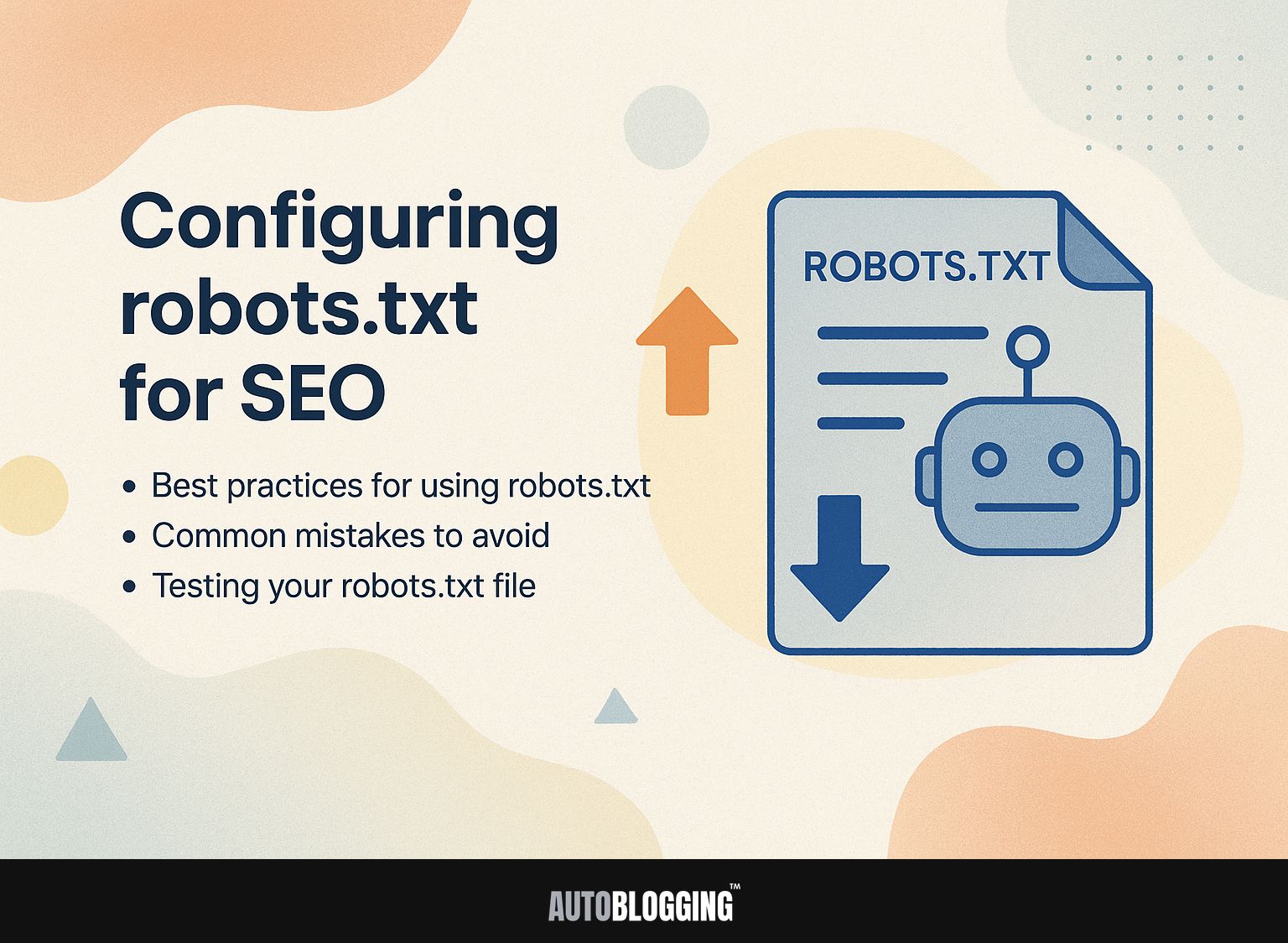
1. Best practices for using robots.txt
Follow these best practices for robots.txt usage to improve your site's SEO:- Regularly update your file,
- Limit directives to essential pages,
- Use descriptive comments.
2. Common mistakes to avoid
Avoid these common robots.txt mistakes that can negatively impact your SEO:- Blocking essential resources
- Using incorrect syntax
- Forgetting to update the file
3. Testing your robots.txt file
It's important to test your robots.txt file to make sure that web crawlers are following your instructions correctly and reaching the right pages. To validate your robots.txt setup, use Google's Robots.txt Tester, which provides a user-friendly interface for testing different URLs. Follow these steps:- Input your file into the tester.
- Enter the URL you wish to check.
- Click 'Test.'
Impact of robots.txt on SEO
Setting up your robots.txt file can greatly affect how well search engines crawl and index your site, which directly impacts your SEO results.
1. How robots.txt affects crawling and indexing
A well-configured robots.txt file can affect how search engines visit and index a site, impacting its visibility and rankings. For instance, disallowing specific directories can help prevent search engines from indexing low-quality or duplicate content, which may negatively impact your site's SEO performance. Tools like Google Search Console let you test your robots.txt file, ensuring it works as intended. Studies show that well-configured robots.txt files can improve crawl efficiency by up to 40%. Regularly auditing this file as part of your SEO strategy helps maintain optimal indexation and can lead to improved organic traffic over time.2. Case studies of effective robots.txt configurations
Some examples show that having clear robots.txt files can help SEO results and make the site function better. For example, the e-commerce site XYZ adjusted its robots.txt file to block low-priority pages from being crawled. This change led to a 25% increase in organic traffic within three months. Blog platform ABC also improved its crawl efficiency and increased its ranking for key terms by 15% by removing duplicate content and certain category pages. Local business DEF fine-tuned its robots.txt instructions to prioritize crawls for service pages over seasonal updates, enhancing indexation speed and visibility in local searches. Each adjustment contributed to significant performance gains.Advanced robots.txt Techniques
Using advanced methods in your robots.txt file can improve how search engines handle your website and manage crawlers.